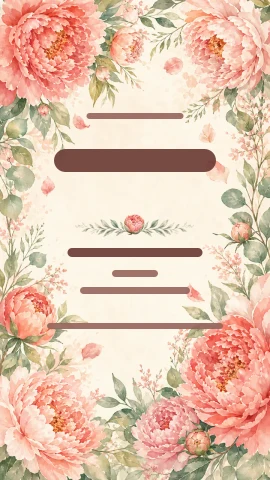
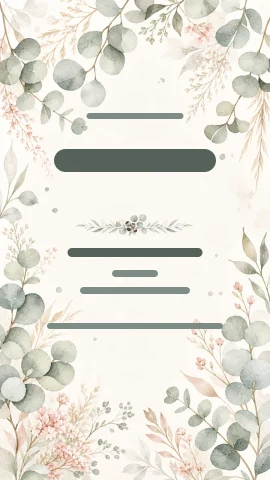
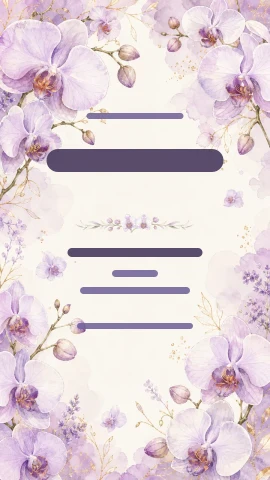
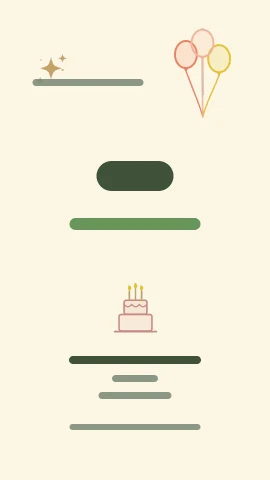
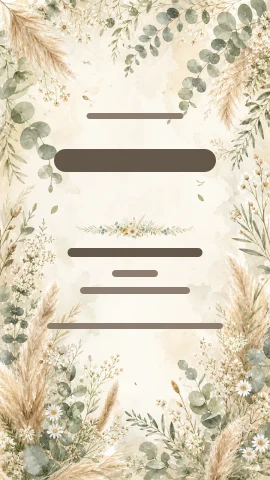
Pick your template
Open one of 56 ready-made designs or start from a blank page with your own layout.
Start from a ready-made template; edit the names, date, font, colors, flowers, background and photos in your browser. Nothing to install.
No account needed: use all the ready-made content and download a clean standard PNG. HD download is 1 credits.
What can you change in the editor?
Follow the design flow from template to final touch with real editor recordings and a preview of the AI panel.
Open one of the templates made for weddings, engagements, henna nights and birthdays. The whole layout lands on the canvas, and you change whatever you like.
Drag and drop text, flowers, frames and your photos. Select any element, scale it and layer it, and undo in one click if you change your mind.
Describe the change you want for the whole design or a selected layer. See the suggestion before you apply it, or create a new background or a transparent element.
Apply an artistic texture to your finished design in one click. Every effect comes with ready-made variations, and you can play with the settings to find your own look.
Turn your portrait invitation into a square or landscape one in one click, so you don't need separate designs for messages, stories and print.
Live preview
Pick one of the real editor backgrounds and preview your text instantly. In the full editor you can drag text and add photos and decorative elements.
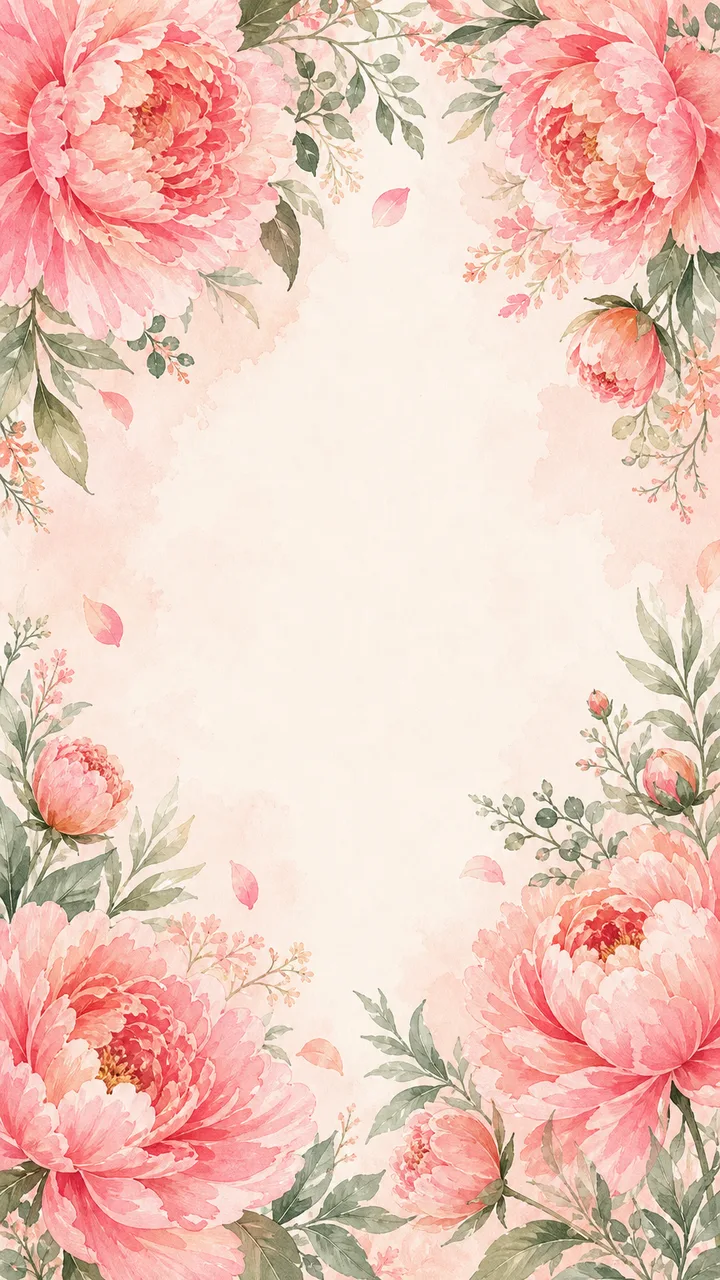
You are invited to our wedding
Emma & Noah

September 5, 2026
4:00 PM · The Plaza, New York
We would be honored to have you with us on our happy day.
Ready-made templates
All 56 templates are free. No account, credits or card needed.
How does it work?
No design software to learn: start in your browser and personalize it in minutes.
Open one of 56 ready-made designs or start from a blank page with your own layout.
Move text, flowers, frames and photos; change colors and fonts.
Download a clean standard PNG without an account. Open a free account to keep your draft; HD output uses credits.
AI lettering
Choose one of 10 styles prepared from Vowberry samples. The AI transforms only the name layer you select and leaves the rest of the invitation alone.
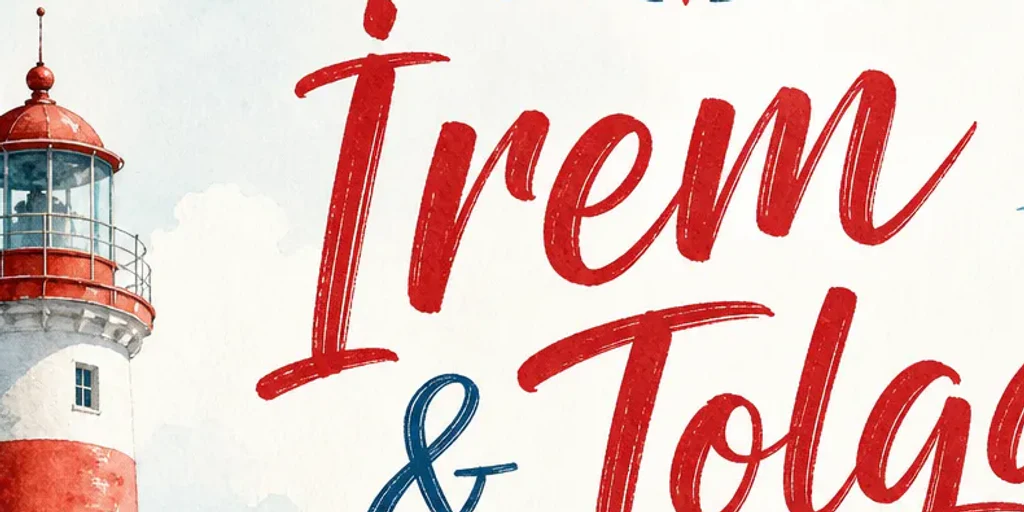
Coastal brush
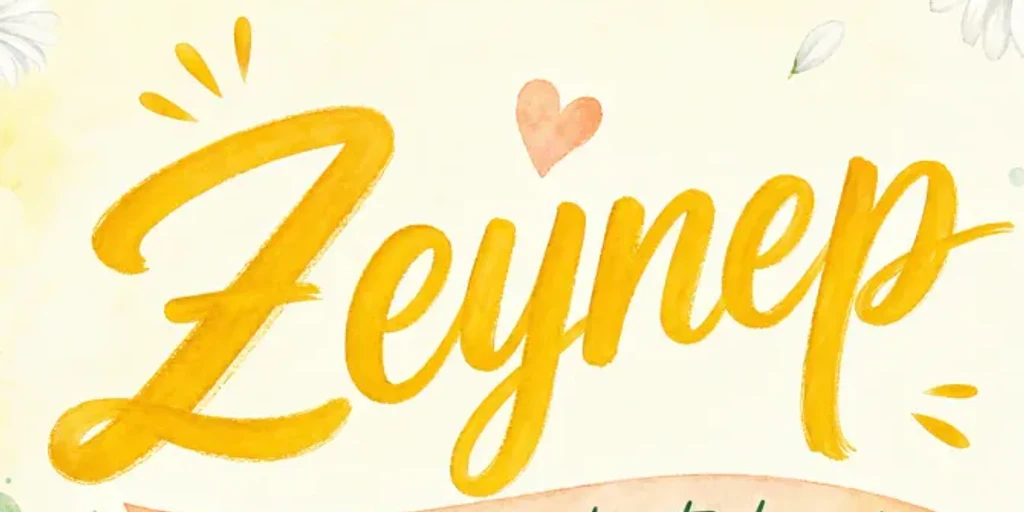
Sunny brush
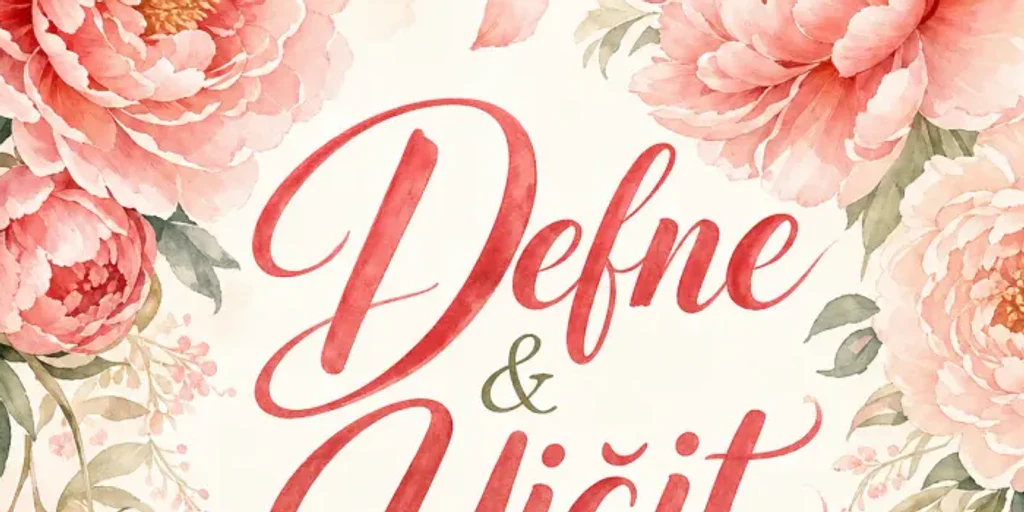
Romantic flow
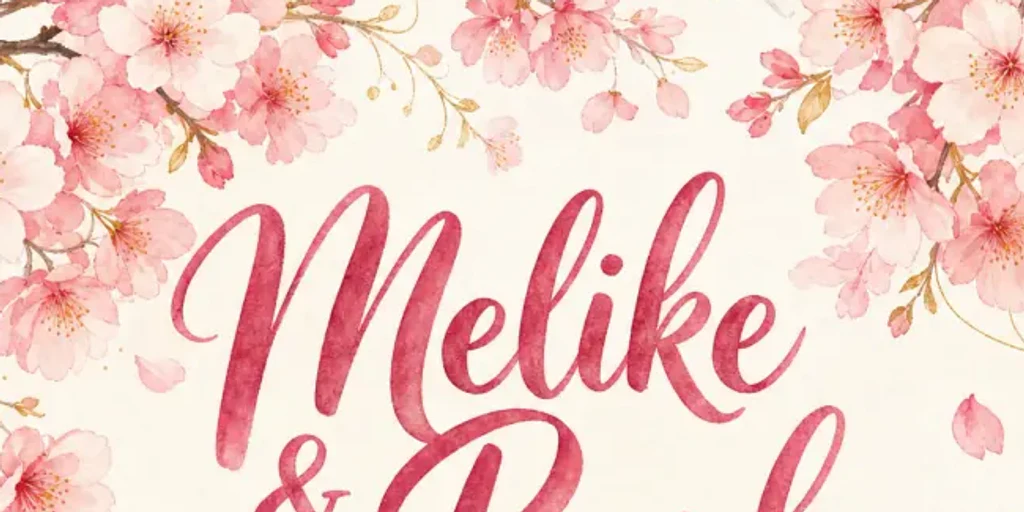
Sakura brush
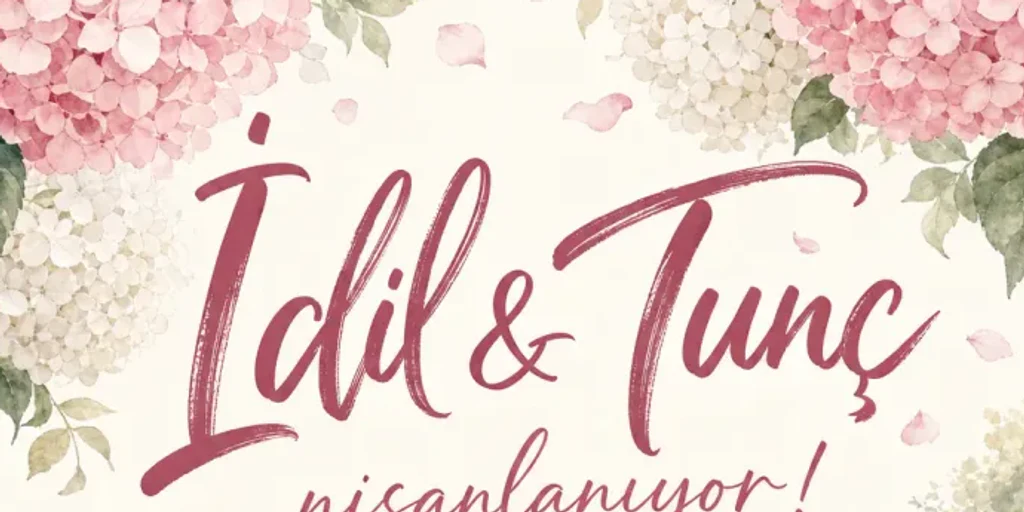
Fine ink
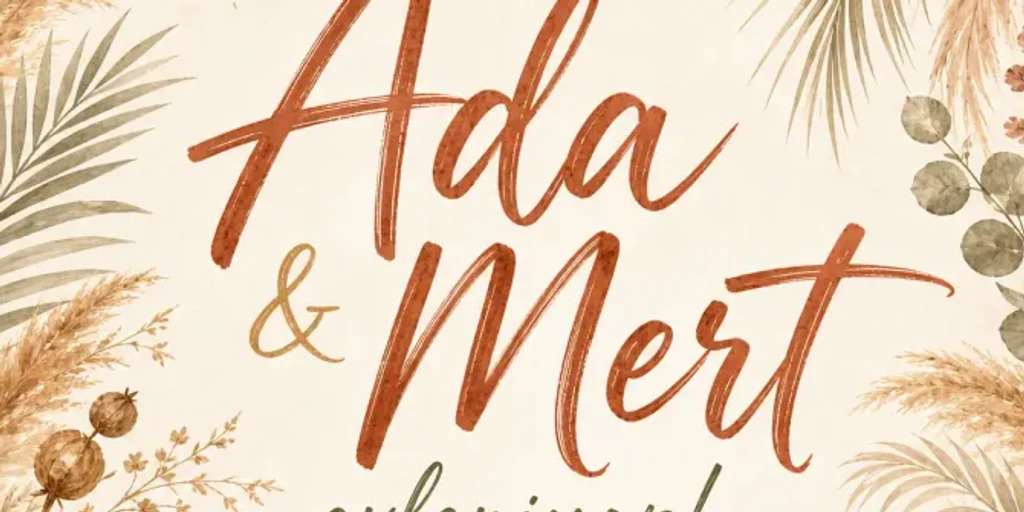
Earthy brush
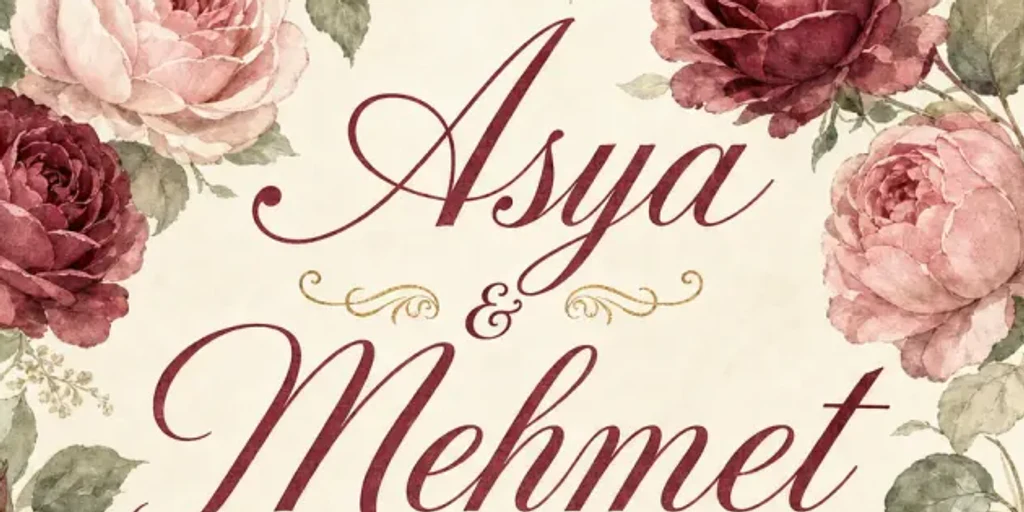
Antique swash
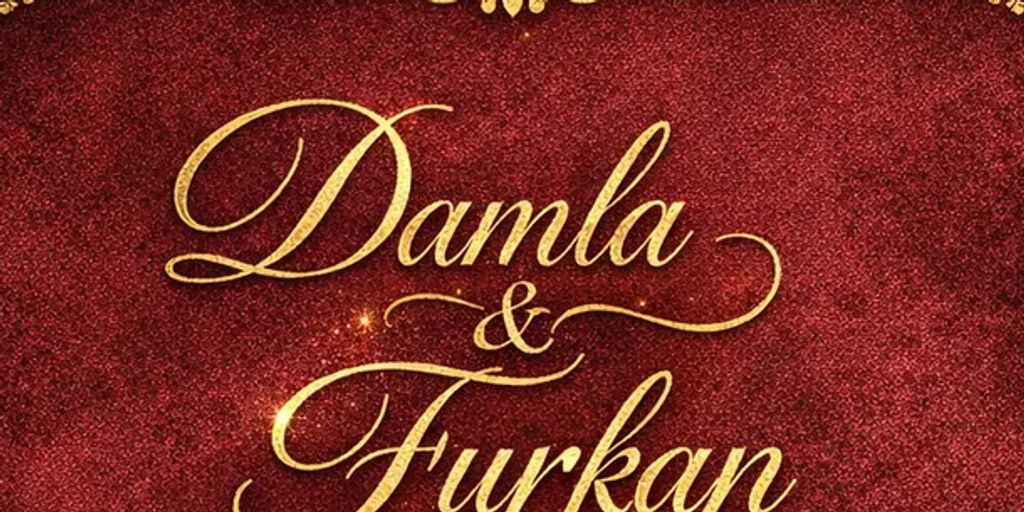
Gold calligraphy
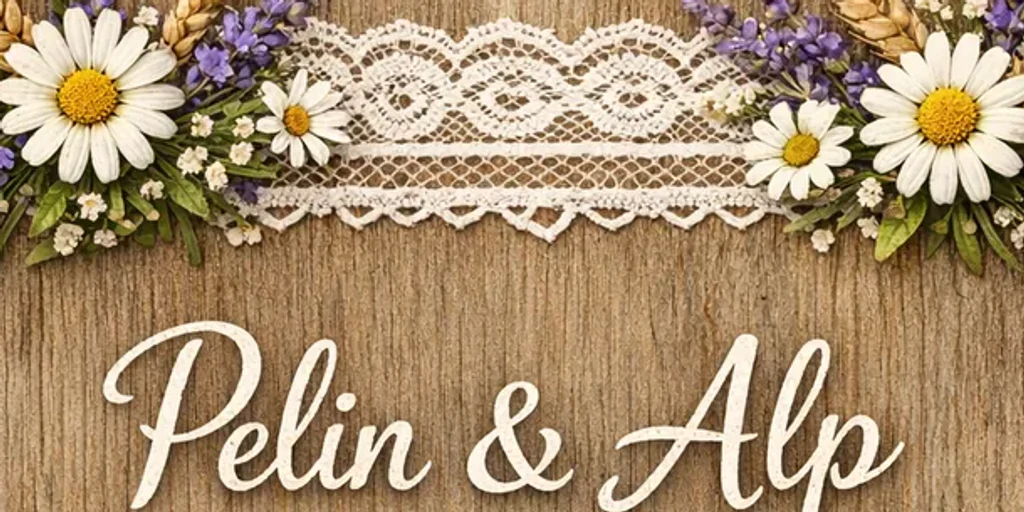
Rustic pen
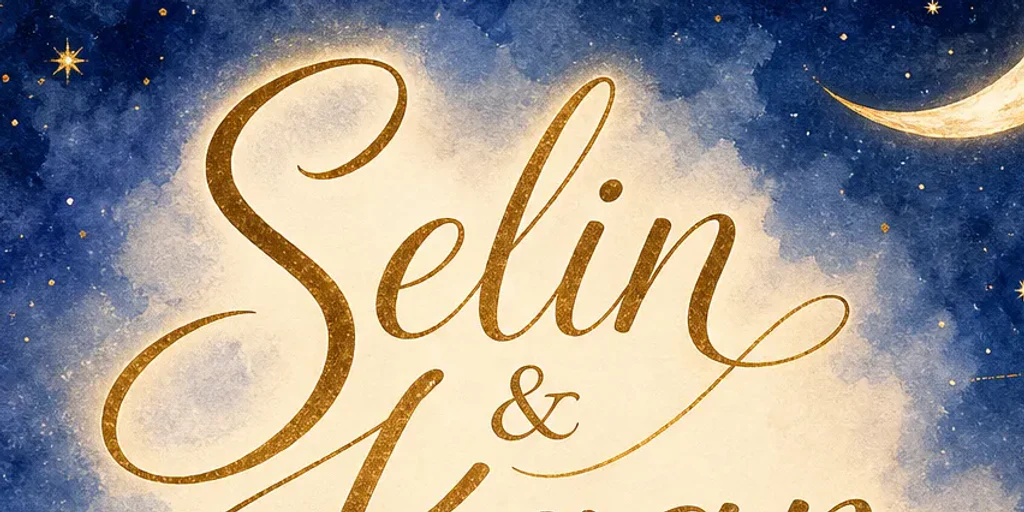
Starry flow
Transparent usage
Ready-made content and the standard PNG are free. Credits are used only for operations with a real cost, such as AI generation and HD output.
Design without an account and download a clean standard PNG; open a free account to keep your drafts.
Use credits only when you want a unique AI result or an HD file.
Buy one-time credits when you need AI generation or HD output. Your credits never expire.
For your first AI experiments in the editor
For more designs and variations
Ready-made content and standard PNG downloads need no credits.
No subscription. Credit packs are one-time purchases and credits never expire.
Frequently asked questions
Yes. Without an account you can use all 56 templates, 101 backgrounds, 153 elements, 45 palettes, 6 fonts and 5 sizes, and download a clean standard 720×1280 PNG. A free account is enough to save drafts and upload photos; HD download uses 1 credits.
Ready when you are
Use every ready-made template without an account, change the text and download a clean standard PNG.
Try the editor for free